Training & Simulation

Hands-on training on any asset, before it reaches the floor

A 1:1 digital twin technicians walk around, open up, and work the procedure on, alone or together, long before the physical hardware arrives.

Training waits on hardware. The workforce can’t.

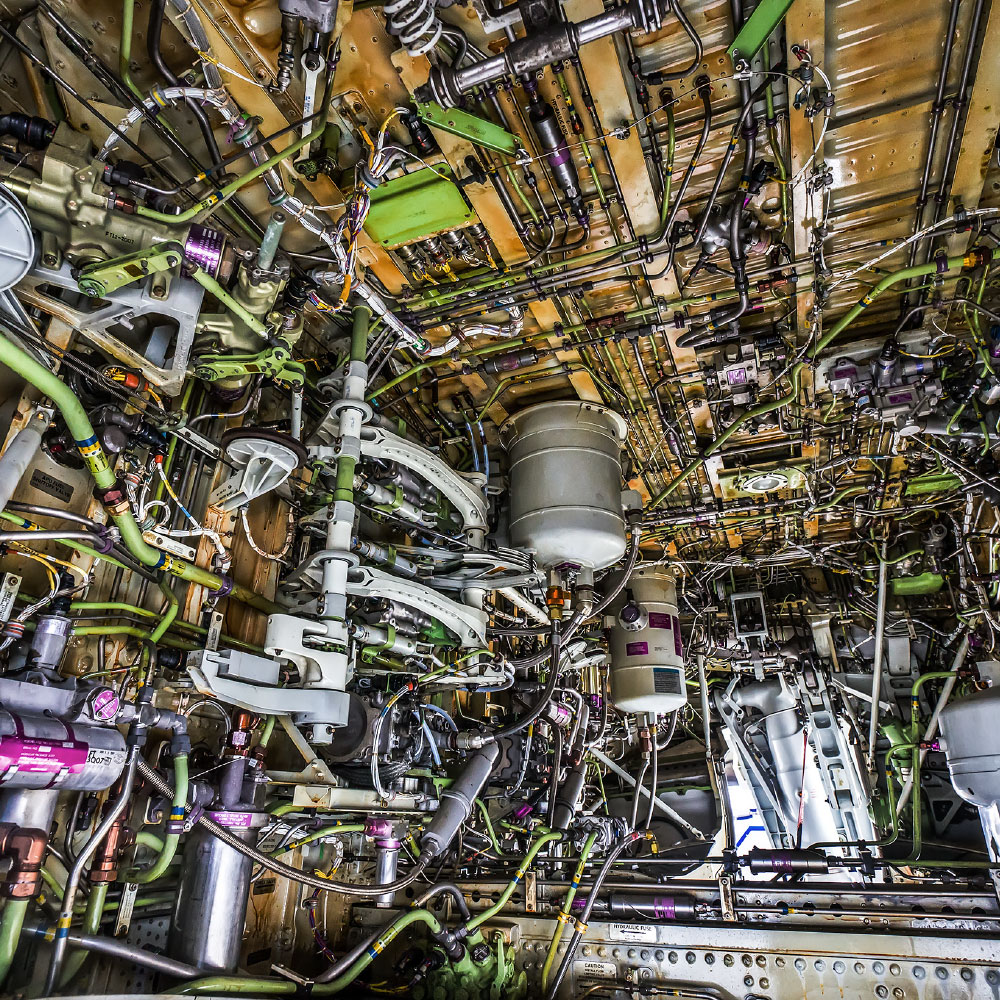
New engines, aircraft, and systems arrive before the people who will maintain them have ever touched one. The physical asset is expensive, scarce, and usually tied up in service until long after technicians need to be ready. Flat manuals and classroom slides do little to build the spatial intuition it takes to work on real hardware.

Meanwhile, decades of expert judgment are leaving depot and shop floors faster than new technicians can absorb it.

How training happens today

  1. Wait for the asset to be available
  2. Learn from 2D manuals and classroom slides
  3. Finish learning on live hardware, under supervision
SPIDER dynamic explode view of the engine twin, every major assembly separated along the centerline
A 1:1 engine, in the roomFull-fidelity digital twin streamed to a commercial off-the-shelf headset. No physical asset required.

What every technician needs before the first real job

  • True scale

    Access points, clearances, and reach, at 1:1.

  • Internal architecture

    Shafts, flow paths, and assemblies, without disassembly.

  • Technical data in place

    Manuals and specs on the component, where they’re looking.

  • The sequence

    Remove, inspect, reinstall, in order, before it counts.

Meet SPIDER Training & Simulation

Immersive training on the asset’s own digital twin

SPIDER streams a high-fidelity, 1:1-scale digital twin of the part, engine, or assembly to a commercial off-the-shelf device.

Technicians explore it at their own pace, pull technical data up in place, practice the procedure, and bring the rest of the team into the same session, wherever they are.

  • Immersive Training

    Walk around, look inside, take it apart, put it back.

  • Shared Experience

    Trainees and instructors in the same asset, on-site or remote.

  • Full Fidelity on COTS

    Streamed without decimation to Apple Vision Pro.

How it works

  1. Model

    Build or import a 1:1 digital twin of the asset.

  2. Stream

    Deliver the full-fidelity model to the device, on-premises or air-gapped.

  3. Explore

    360° walk-around, X-ray and wireframe views, sectioning, dynamic explode.

  4. Practice

    Extract and reinstall assemblies, annotate in 3D, open technical data in place.

  5. Share

    Bring multiple trainees and instructors into the same spatial session.

No physical asset, dedicated simulator hardware, or live network connection required.

Built for depots, shops, and the field

  • No asset required

    Train on equipment that hasn’t arrived, is in service, or is scarce.

  • Any location

    Shared sessions across sites; instructors don’t have to travel.

  • Secure and offline

    Runs on-premises or air-gapped; devices cache models and sync later.

  • Self-paced

    Exploratory by design. Technicians learn the asset, not a script.

One approach, any asset

Any asset you can model at 1:1 becomes a training asset, on the same device and the same approach.

  • Engines
  • Aircraft
  • Satellites and space systems
  • Ground vehicles
  • Command and control consoles
  • Complex assemblies

Ready to train before the hardware arrives?

Tell us which asset your team needs to be ready for, and we will follow up.

Critical Use Cases

CRITICAL USE CASE

Immersive Engine Training

A high-fidelity 1:1 digital twin of a geared turbofan engine, built so maintenance technicians could train on a brand-new engine model before a physical engine reached the shop floor. Component search, part data and reference material in place, 3D annotation, component extraction, X-ray and sectioning views, and a dynamic explode that separates every major assembly along the engine centerline.
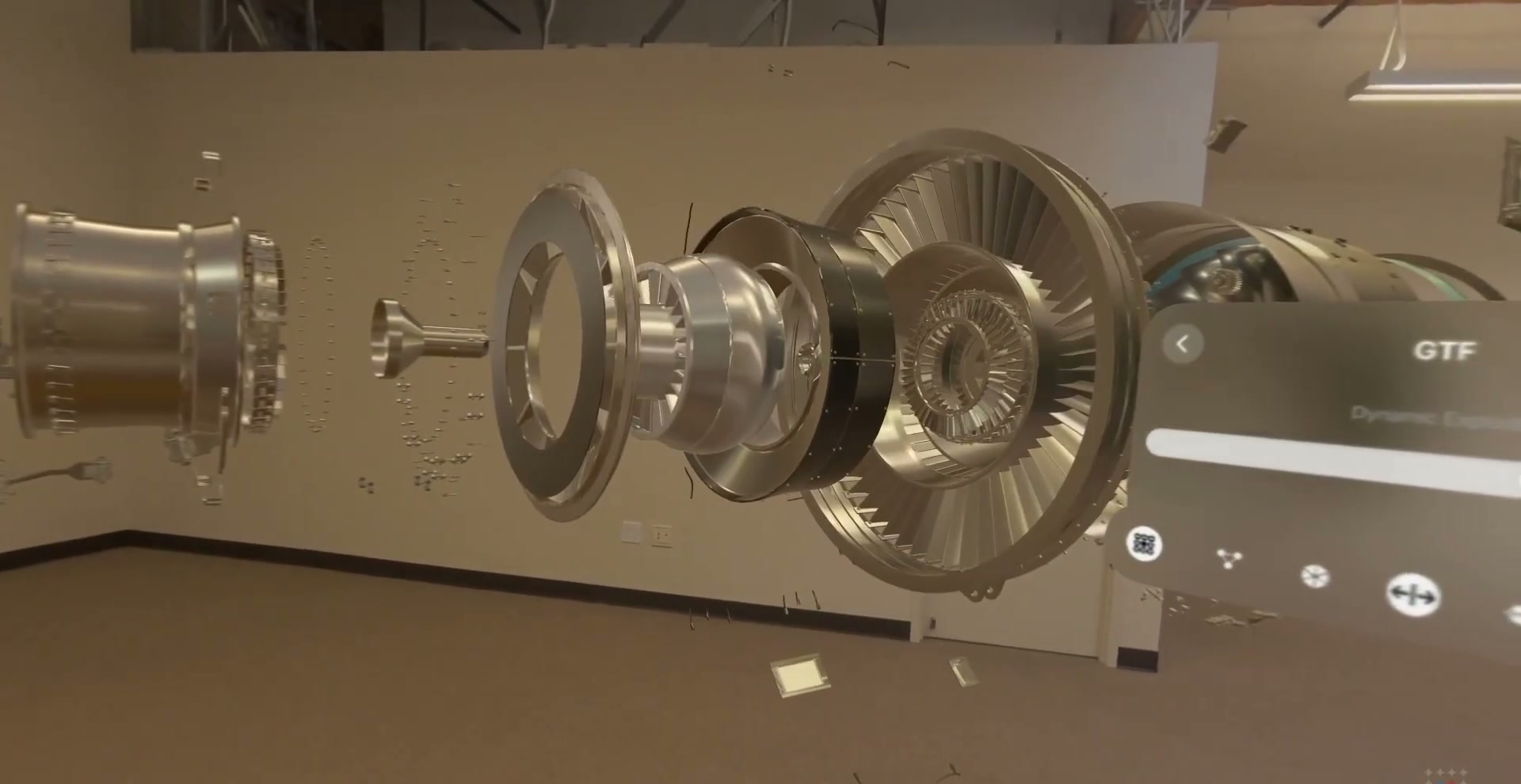
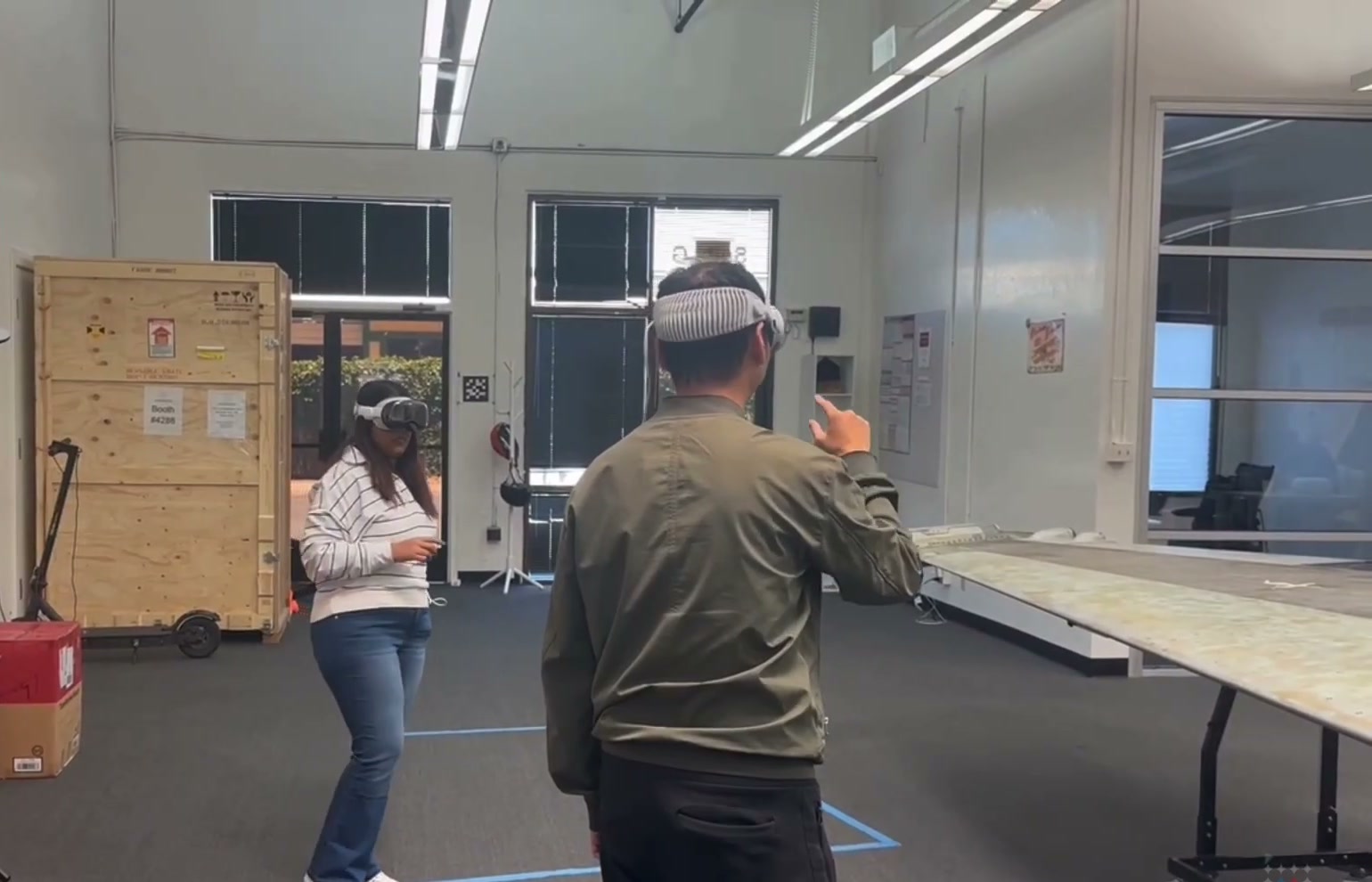
Two technicians in a shared SPIDER training session on Apple Vision Pro, working on the same 1:1 engine twin

CRITICAL USE CASE

Shared Training Sessions

Multiple trainees and instructors occupy the same 1:1 digital twin at once, on-site or remote, exploring, annotating, and disassembling the asset together. Instructors and training sites no longer need to be in the same room, or the same state.

CRITICAL USE CASE

Real-Time Training Simulations

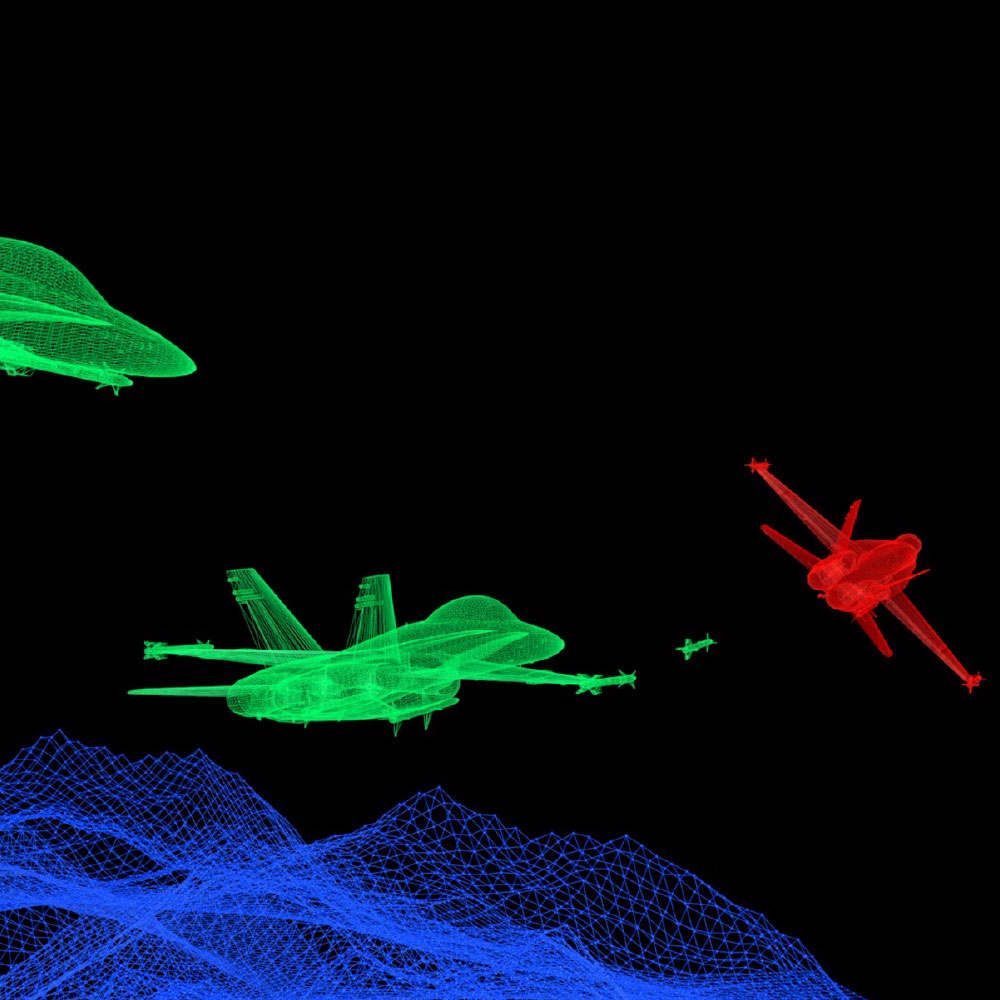
Complex decision-making scenarios trained against simulated real-time data streams inside an immersive command-center environment, with live and external feeds presented in context.